
FIND IT FAST.
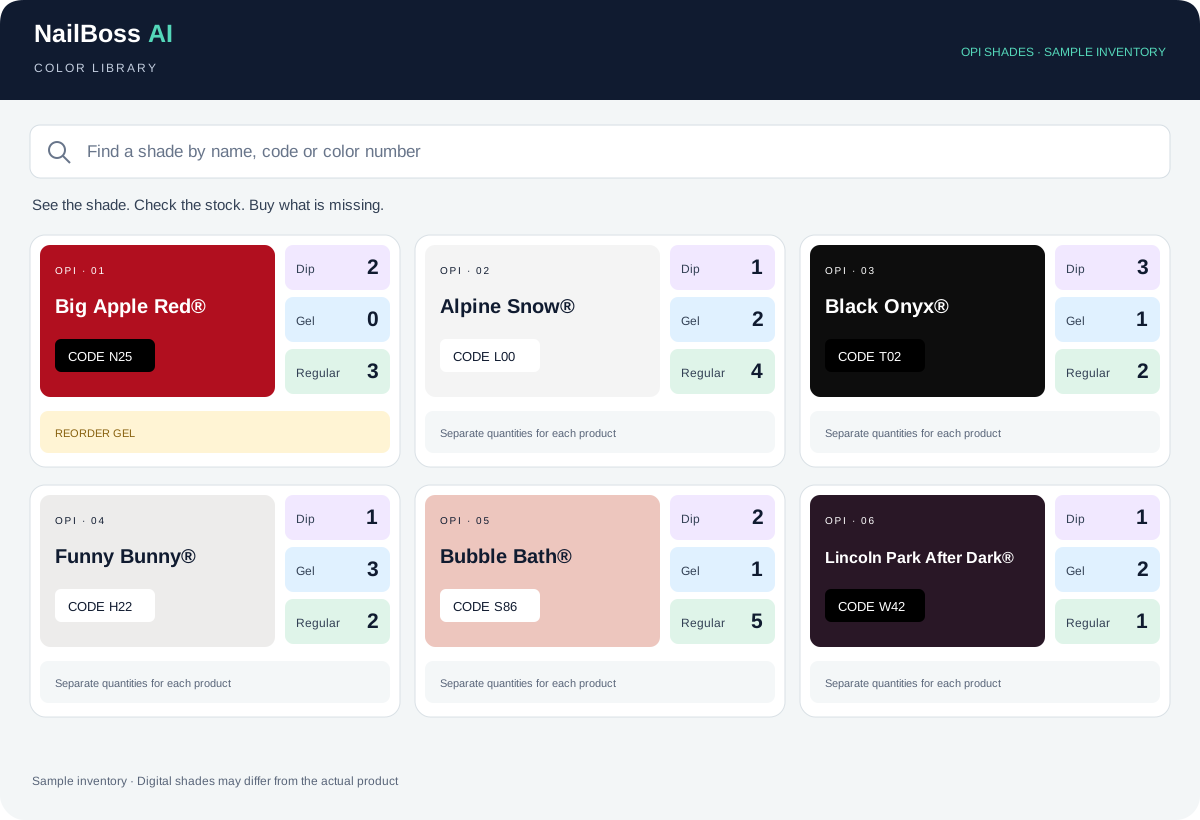
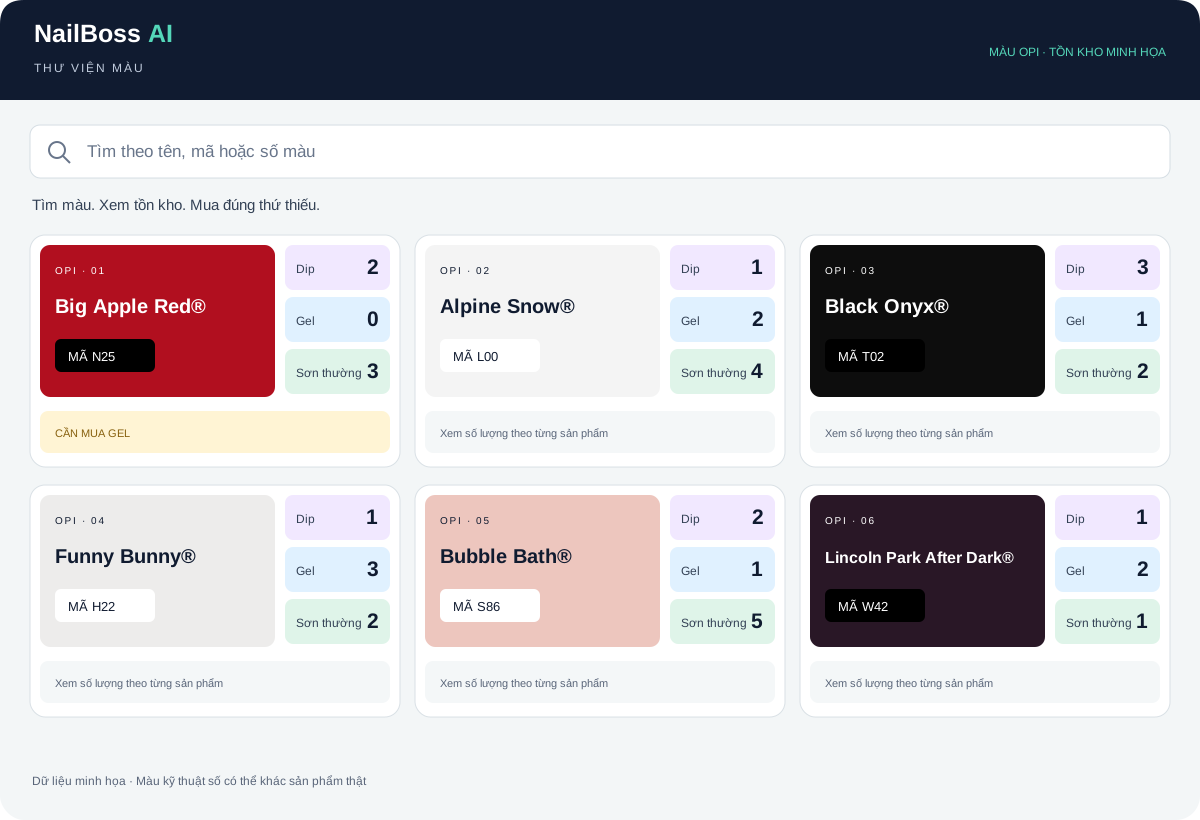
Search by color name, chart number or code. See each product’s quantity together.
DipGelRegular
COLOR LIBRARY · SALON MANAGEMENT SUITE
Find colors faster with OPI shade previews. Search by name or code, check product quantities and know what to reorder—all in one Color Library.
Dip. Gel. Regular. One clear view.
Tap a quantity, or mark a product below.
Your shopping list appears here. Try “Need to buy.”
COLOR LIBRARY · OPI SHADE PREVIEWS
A color name only tells half the story. OPI shade previews help your team recognize the color at a glance, find it by name or code, and check Dip, Gel and Regular quantities in the same view. Less searching. Smarter restocking. A smoother answer when a client asks for their favorite shade.
FEATURED SHADE · OPI N25
One of OPI’s most iconic shades. Recognize its bold red at a glance, find the matching color code and check your stock in seconds.
LESS GUESSING. LESS SEARCHING.
Give your team a shared library that stays useful between busy appointments.
Search by color name, chart number or code. See each product’s quantity together.
Flag Dip, Gel or Regular. The color, code and exact product go straight to your shopping list.
Quantity changes show before, after and the saved date. Mark discontinued products, then undo when needed.
AT THE DESK. BY THE POLISH SHELF.
Open it on a phone, iPad or desktop. Give staff a separate password-protected place to update colors, without opening your payroll.
Color inventory is managed separately from Square. Internet is needed to share saved changes.
PART OF THE NAILBOSS AI SALON MANAGEMENT SUITE
AI Booking. Turn Tracker. Payroll. Color Library. Practical tools built around the way your salon works.
See all salon tools →